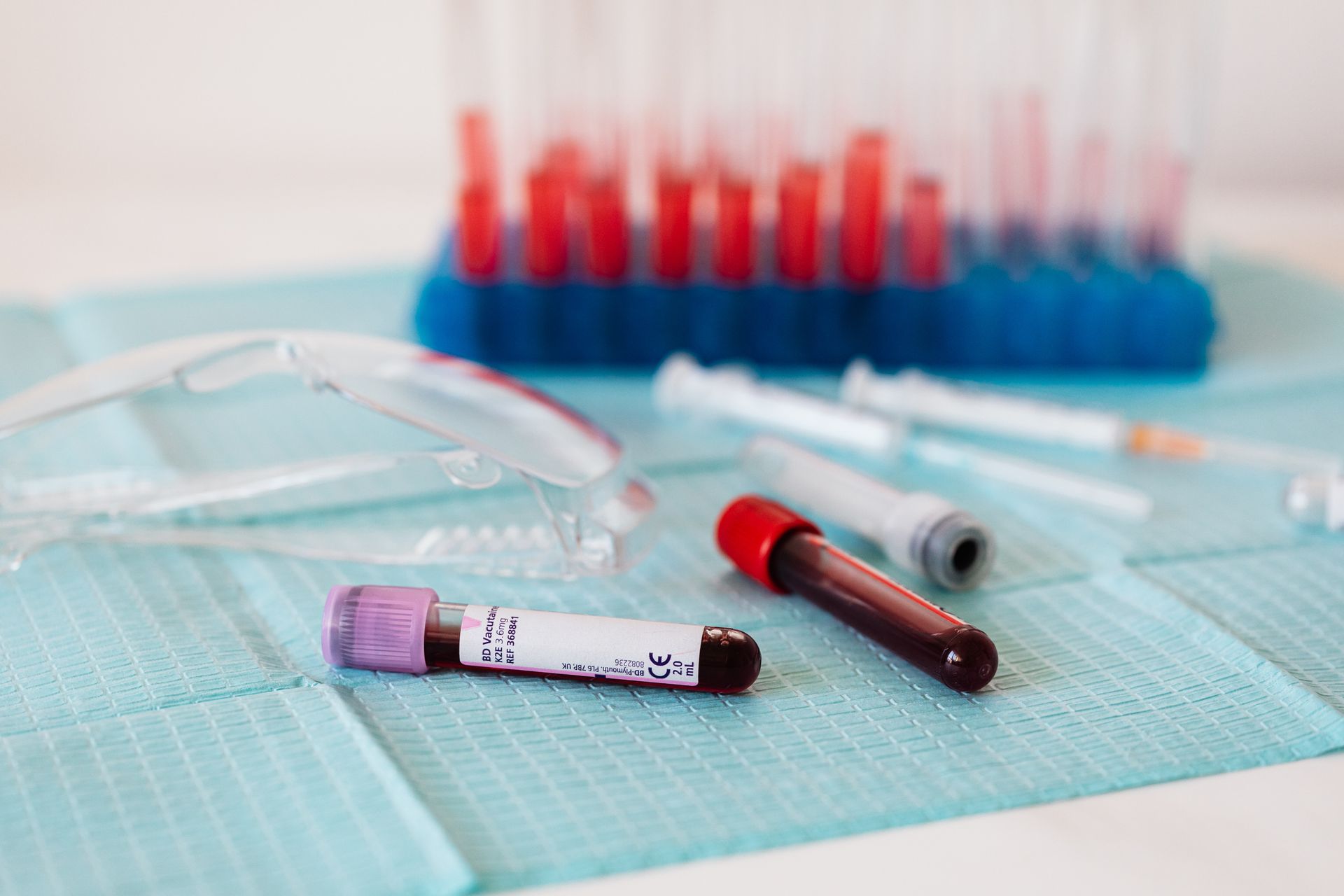
How to Use Hemotique Blood Donation: A Complete Guide for Clients
Introduction
Hemotique Blood Bank is designed to make blood donation, blood requests, emergency support, and communication easier for everyone. Whether you are a donor, patient, volunteer, hospital, or blood bank, this platform helps connect people who need blood with people and organizations who can help.
This guide explains step by step how users can use the website, from registration to requesting blood, offering donation help, submitting feedback, and sharing testimonials.
1. Create Your Account
To start using the system, click **Register** or **Become a Donor** on the website.
During registration, choose the account type that best describes you:
- Donor: if you want to donate blood.
- Patient: if you may need blood support.
- Volunteer: if you want to help with awareness, transport, campaigns, or emergencies.
- Blood Bank: if you represent a blood bank.
- Hospital: if you represent a hospital.
Donors, patients, and volunteers can be combined in one account. Blood bank and hospital accounts must be registered separately.
Fill in your name, email, phone number, country, city, address, password, and any extra information required for your selected role.
After submitting the form, check your email and verify your account.
2. Log In to Your Account
After verifying your email, go to **Sign In** and enter your email or phone number with your password.
If you registered as a hospital or blood bank, you may need to wait for administrator approval before logging in.
3. Complete Your Profile
After logging in, open your profile from the account menu. Make sure your information is correct, especially your city, phone number, address, and blood type.
If you are a donor, update your **Blood Donation Availability**. Choose whether you are available now, available this week, not available, or temporarily disabled.
Donors should also complete the **Donor Health Check**. This helps the system know whether you are currently eligible to donate blood.
4. How to Request Blood
If you need blood for yourself, a family member, or a patient, click **Request Donation**.
Fill in the request form carefully:
- Patient name
- Patient age
- Blood type needed
- Number of blood bags required
- Country and city
- Patient phone number
- Hospital name
- Hospital address
- Additional details
If the situation is urgent, select **Emergency request** and choose when the blood is needed.
After submitting the request, the system will notify matching donors, volunteers, and blood banks. You can then view offers from people who want to help.
When someone offers help, you can accept or decline the offer. Once the blood need is solved, click **Mark Fulfilled**. If the request is no longer needed, click **Cancel Request**.
5. How to Donate Blood or Offer Help
If you are a donor, go to **Donation Requests** after logging in.
You can browse active requests and filter them by emergency status, blood type, country, or city. Open a request to see the patient details, hospital location, blood type needed, and other important information.
If you can help, write a short message if needed and click **Offer to Help**.
The request owner will review your offer. If accepted, you will receive contact details so you can coordinate with them and complete the donation at the hospital or proper medical location.
6. Search Blood Availability
The **Blood Availability** page helps users search for available blood by country, city, and blood group.
This feature is useful when someone wants to check whether a matching donor or blood bank is available before making a request.
Blood banks can update their stock from their profile, allowing users to find available blood more easily.
7. Use Emergency Assist
The Emergency Assist button appears as a floating emergency button for eligible logged-in users.
Click it when you need quick help or guidance. The chat can help you search for emergency matches, find donors by blood type and city, or get general support.
Use this feature responsibly, especially for urgent blood needs.
8. Submit Feedback or Report an Issue
If you face a problem while using the website, open the account menu and click **Report**.
Enter a subject and describe the issue clearly. For example, explain what you were trying to do, what happened, and what you expected.
After submitting the report, the team will review it. You can also see your recent reports and their status.
For general questions, you can use the **Contact Us** page.
9. Share Your Testimonial
If Hemotique helped you donate blood, receive support, or connect with someone in need, you can share your story.
Open the account menu and click **Testimonial**. Choose a star rating and write your experience. After submission, your testimonial will be reviewed by the administrator before appearing on the website.
Testimonials help encourage others to register, donate, and trust the platform.
10. Manage Notifications
Logged-in users can view notifications using the bell icon.
Notifications may include donation request alerts, updates, and important information. You can also update your notification settings to choose the countries and blood types you are interested in.
This is especially helpful for donors who only want alerts related to their location and blood group.
Conclusion
Hemotique Blood Bank is more than just a website. It is a life-saving connection system for people who need blood and people who are willing to help.
To get the best benefit from the platform:
- Register with the correct account type.
- Verify your email.
- Keep your profile updated.
- Donors should update availability and complete the health check.
- Patients and hospitals should submit clear blood requests.
- Respond quickly to offers and notifications.
- Share feedback and testimonials to improve the community.
By using Hemotique properly, every user can help save lives, support their community, and make blood donation faster, easier, and more organized.
**Together, we can make every drop count.**
Share
Link copied!
Related
Related Articles
The Lifeline in Your Veins: Why Giving Blood Changes Everything for Someone Else and Your Own Body
We don't often think about our blood until we see it. It runs quietly beneath our skin, an invisible river keeping us upright, focused, and alive. But somewhere...
How to Use Hemotique Blood Donation: A Complete Guide for Clients
Introduction Hemotique Blood Bank is designed to make blood donation, blood requests, emergency support, and communication easier for everyone. Whether you are...